



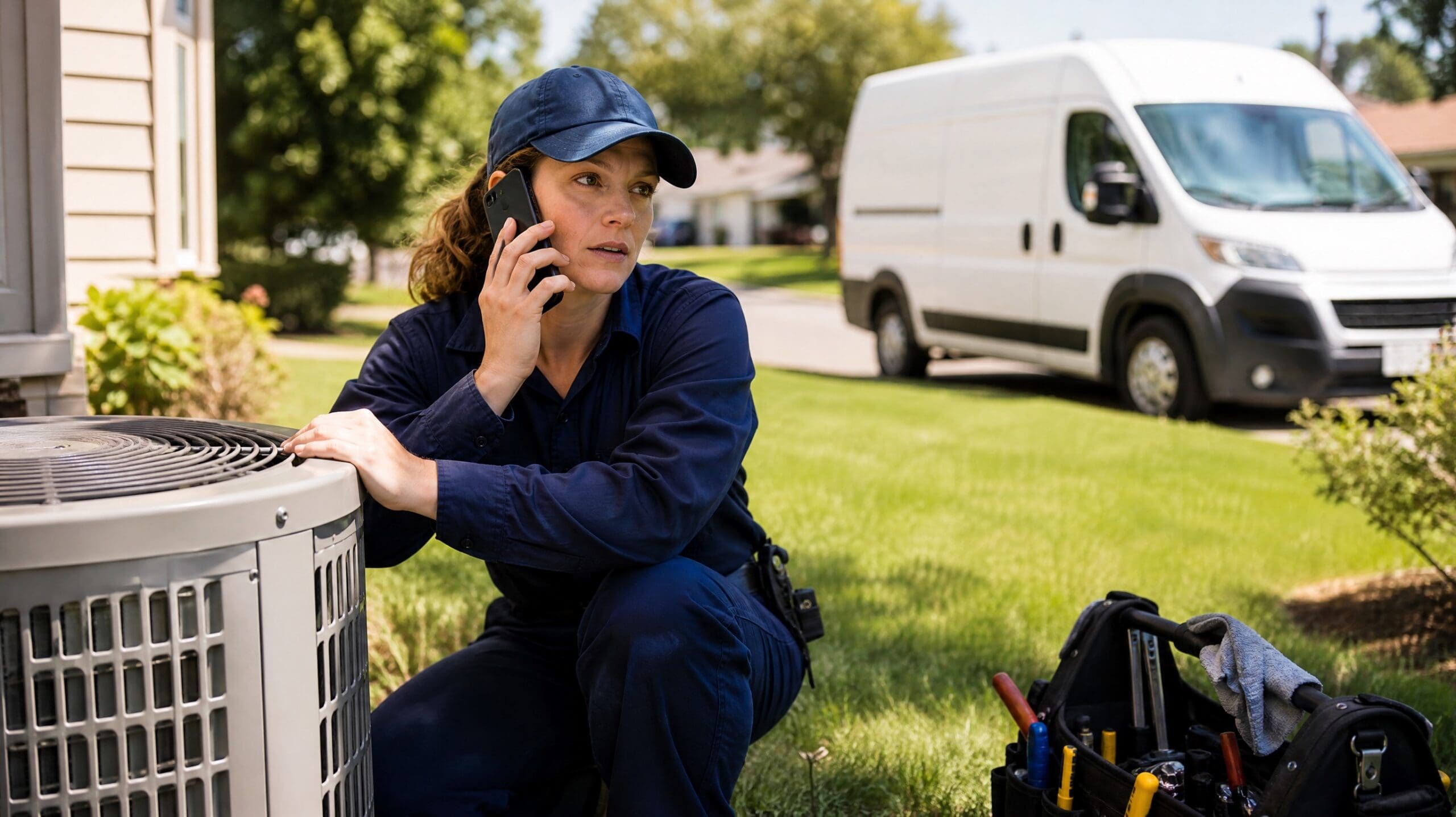
It is 94 degrees, your best tech is on a roof with a capacitor in one hand, and the phone rings. Nobody picks up. That caller dials the next company on the list and books with them, because they are hot right now and you were busy. Modern HVAC dispatch software is supposed to stop exactly that, and most of it still does not.
This guide covers what dispatch software actually does, what AI changes about it, and how to roll it out in a week without disrupting the crew.
What HVAC dispatch software actually does
Strip away the feature lists and HVAC dispatch software does four things:
- Takes the job in. Someone calls, texts or fills out a form, and the request becomes a record.
- Puts it on a board. A schedule of who is where, with what skills, and what is still open.
- Assigns a tech. Based on location, certification, parts on the truck and who is running ahead.
- Tells everyone. The tech gets the address, the customer gets a window.
Most tools do steps two through four well. Step one is where the money leaks. The board is only as good as what reaches it, and what reaches it depends on somebody answering the phone.
That is why dispatch is usually not a scheduling problem. It is an intake problem wearing a scheduling costume.
The dispatch problem: the call comes in while the tech is on a roof
In a small or mid-size shop, dispatch is a person who is also doing three other jobs. Often the owner. Sometimes the owner’s spouse. Occasionally the senior tech between calls.
That means the schedule is accurate right up until the moment it matters. Look at a normal August day:
- 7:10am. Three voicemails from overnight. Two are emergencies, one is a quote request. Nobody has listened yet.
- 11:30am. A no cool call comes in while the dispatcher is on another line. It goes to voicemail. The customer books elsewhere at 11:34.
- 2:00pm. A tech finishes an hour early. Nobody notices for forty minutes, so the slot is lost.
- 6:15pm. Four calls after hours. Two are ready to book tomorrow morning. Both get a voicemail greeting.
None of that is a scheduling failure. Every one of them is a call that never made it onto the board. HVAC dispatch software that does not solve intake leaves that whole list untouched.
What AI changes about dispatching (and what it doesn’t)
AI in HVAC dispatch software is useful in a narrower way than the marketing suggests. Here is the honest split.
What it genuinely does now:
- Answers every call on the first ring, including three at once and including 9pm on a Sunday.
- Asks the intake questions the same way every time: what system, what is it doing, how old, is there any cooling at all, is anyone vulnerable in the home.
- Separates an emergency from a maintenance call using your own rules, not its judgment.
- Offers real open slots from the live schedule and books one.
- Texts the customer a confirmation and drops the job on the board with notes attached.
- Calls tomorrow’s customers tonight to confirm, which is where a surprising number of gaps come from.
What it does not do:
- Diagnose the unit. It gathers symptoms. Your tech diagnoses.
- Quote a replacement system. It can give a range if you give it one. It should not price a job.
- Decide who gets bumped when everything is an emergency. That is a human call on the worst days.
- Handle an angry callback about a job that went wrong. It should recognize that and transfer.
The useful frame: AI handles the first ninety seconds of every call so a person handles the parts that need a person. It is not a dispatcher. It is the thing that makes sure the dispatcher has something to dispatch.
Booking the job during the call instead of after it
This is the whole point, and it is worth being precise about it.
Traditional flow: call comes in, someone takes a message, someone else calls back, the customer has already booked. Four steps, two of them optional.
AI flow: call comes in, the assistant qualifies and books against the live calendar, the customer gets a text with their window. One step, no callback.
The difference shows up in a number you can check: how many of your inbound calls end with a scheduled appointment. Most shops have never measured it. When they do, the after-hours figure is usually the shock.
Three rules make this work in a trade where the schedule moves all day:
Only offer slots the board can actually honor. If the assistant books from a stale calendar, you have replaced one problem with a worse one.
Build a real emergency path. No cool in summer, no heat in winter, a gas smell, water coming through a ceiling. Those skip the normal flow and reach a person immediately.
Let the tech’s status update the board. An early finish should open the 2pm slot automatically, not forty minutes later.
If you want the wording your assistant should use on those calls, our call scripts for HVAC companies covers the intake, the emergency triage and the confirmation.
Connecting AI dispatch to the tools you already run
Nobody wants to replace their field service platform. You should not have to.
AI HVAC dispatch software sits in front of what you already use and writes into it. Three connections matter and the rest can wait:
| Connection | What it does | Why it matters |
|---|---|---|
| Your calendar or scheduling board | Reads live availability, writes the booking | Without it the assistant takes messages |
| Your CRM or field service platform | Creates the customer and the job with notes | Without it nobody sees the work |
| SMS | Sends the confirmation and the reminder | Cuts no-shows more than anything else |
If you are being told to migrate your whole field service system to add an AI assistant, you are looking at the wrong product. The assistant belongs at the front door, not in the middle of your operation.
How to roll it out in one week without disrupting the crew
Five steps. Start on a Monday, run live by the weekend.
1. Write your intake questions. Six of them, no more. System type, symptom, age, address, whether there is any cooling or heat at all, and preferred window.
2. Write your emergency rules. Be specific. “No cooling and someone over 70 in the home” is a rule. “Urgent” is not.
3. Connect the calendar first, the CRM second. Booking is what makes this worth doing. Reporting can follow next week.
4. Go live after hours only. Evenings and weekends for the first two weeks. If it handles those cleanly, extend to daytime overflow. This is the step that keeps the crew from noticing anything except a fuller schedule.
5. Listen to twenty calls before you extend it. Every bad call is one missing instruction. This is the difference between HVAC dispatch software that works in month two and software that gets switched off.
For the phone side specifically, the walkthrough on HVAC phone answering with AI goes deeper, and the ranked comparison of AI receptionists for HVAC companies is worth a look before you commit to a platform.
Frequently asked questions
Does this replace my field service management software?
No. It sits in front of it and feeds it. If you are asked to migrate your whole operation, that is a different product with different goals.
What happens with a real emergency?
It follows the rules you wrote. Typically it collects the address and the symptom, then transfers to an on-call number immediately rather than booking a slot.
Will customers hang up on an assistant?
Some will. Far fewer than hang up on a voicemail greeting, which is what they get today at 8pm.
Can it handle three calls at once during a heat wave?
Yes, and that is the day it earns its money. Simultaneous calls are the single clearest advantage over a human dispatcher.
Is it worth it for a three-truck shop?
Usually more than for a large one. A small shop has nobody covering the phone at 6pm, and a missed call is a bigger share of the week.
How long before it is dialed in?
Set up in a week, tuned in two to three. The tuning is reading your own call transcripts, not configuring software.
The job of HVAC dispatch software is not to make a prettier schedule. It is to make sure the calls you are already paying to generate actually land on it.


